
ReviewRoll
Rate movies & TV. Share the card.
ReviewRoll is a free iOS app that turns your movie and TV reviews into beautiful, shareable cards. Give a film or show a star rating, write a few words, and post your verdict straight to your stories.
Download on the App StoreFree · iPhone & iPad · iOS 18 or later
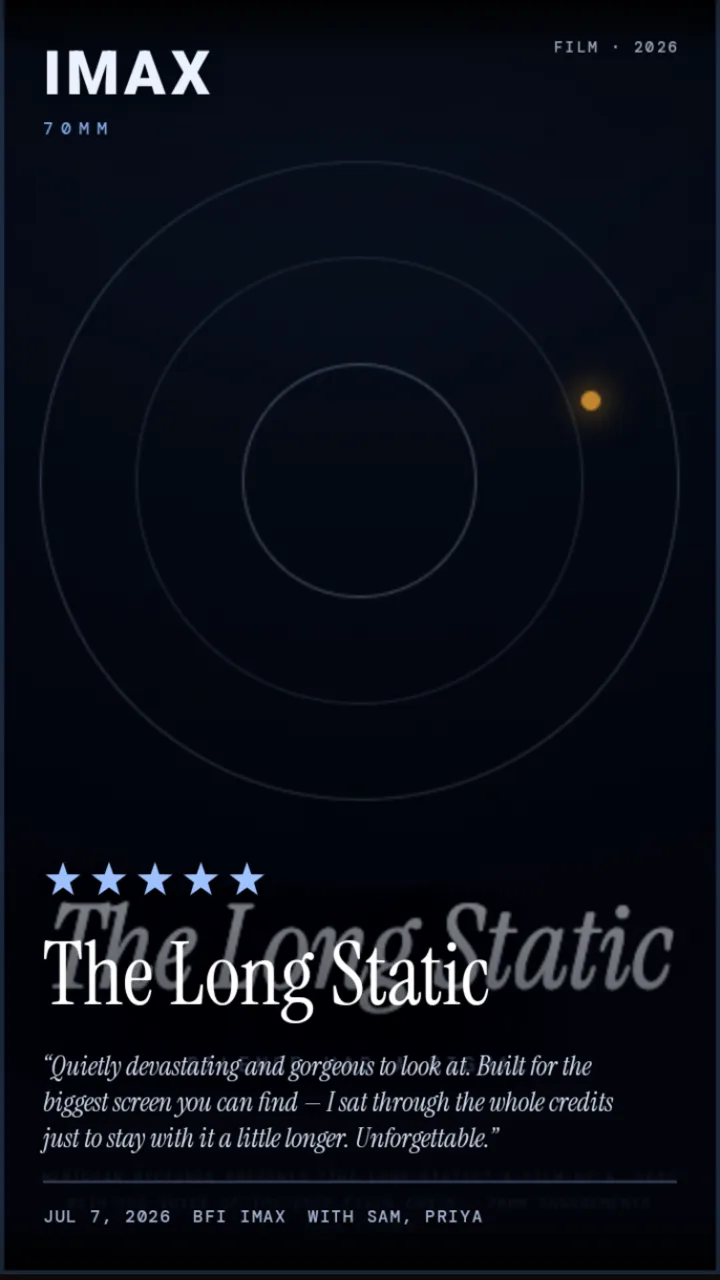
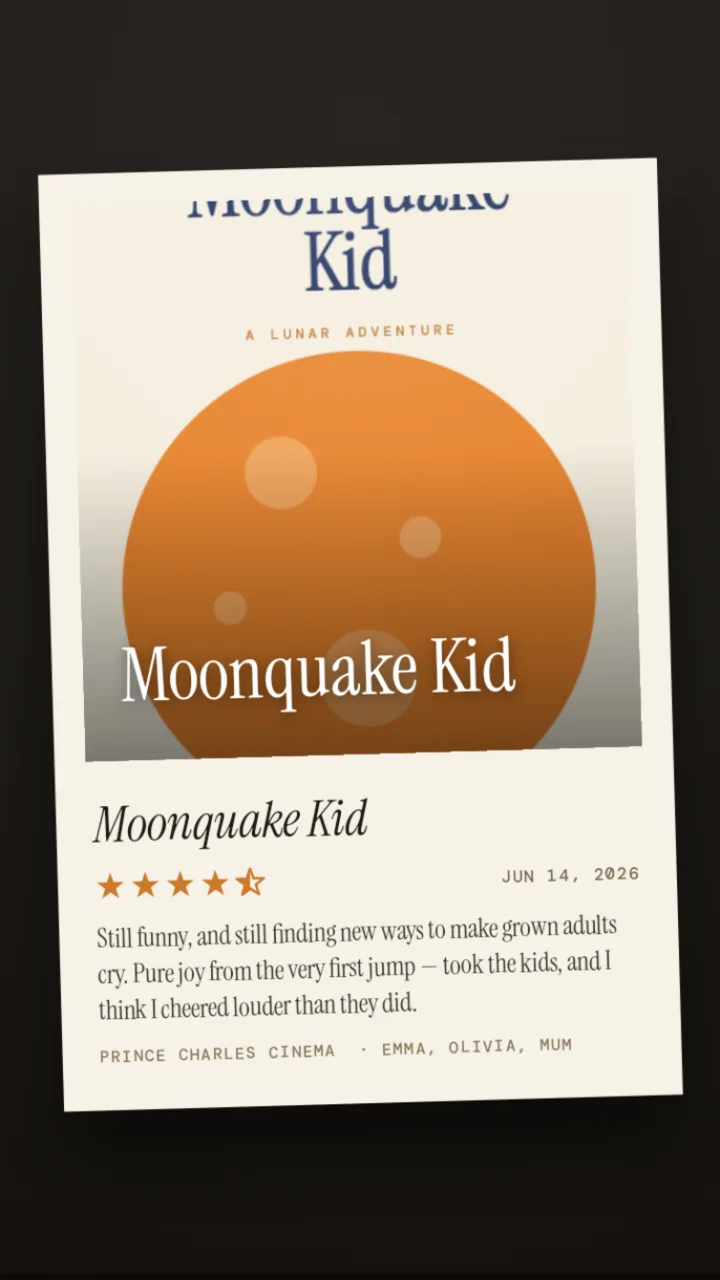
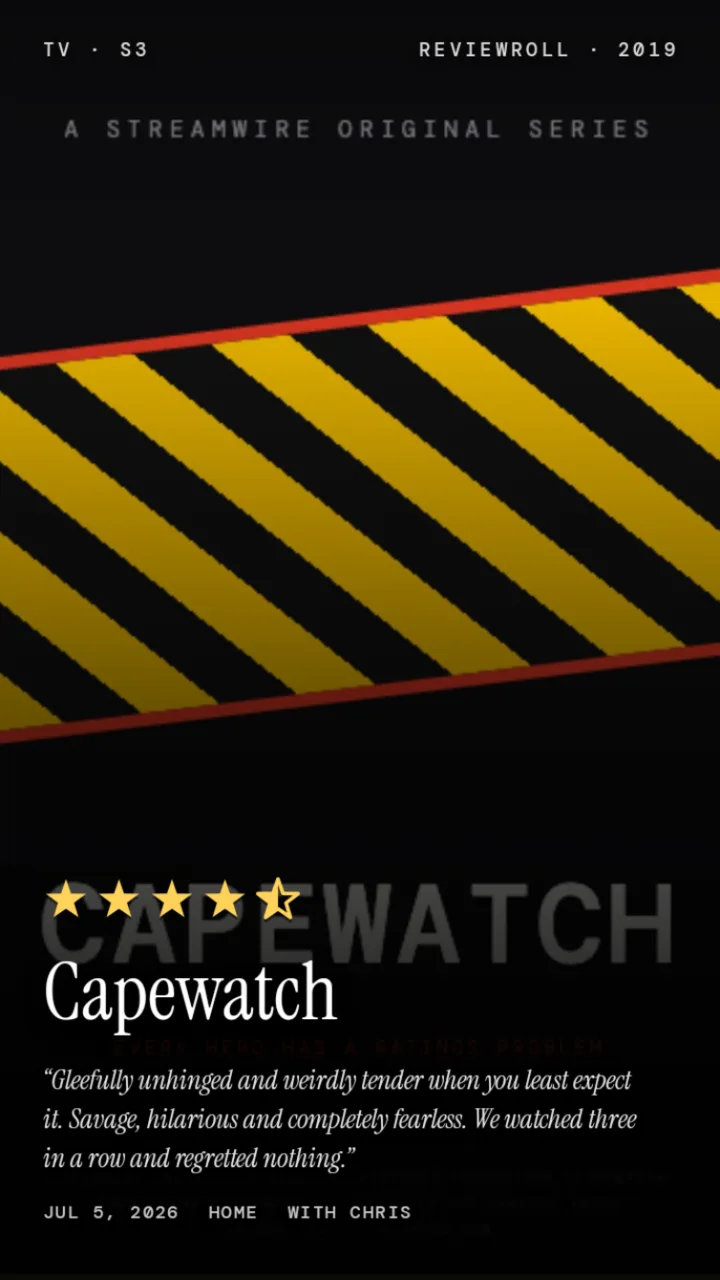
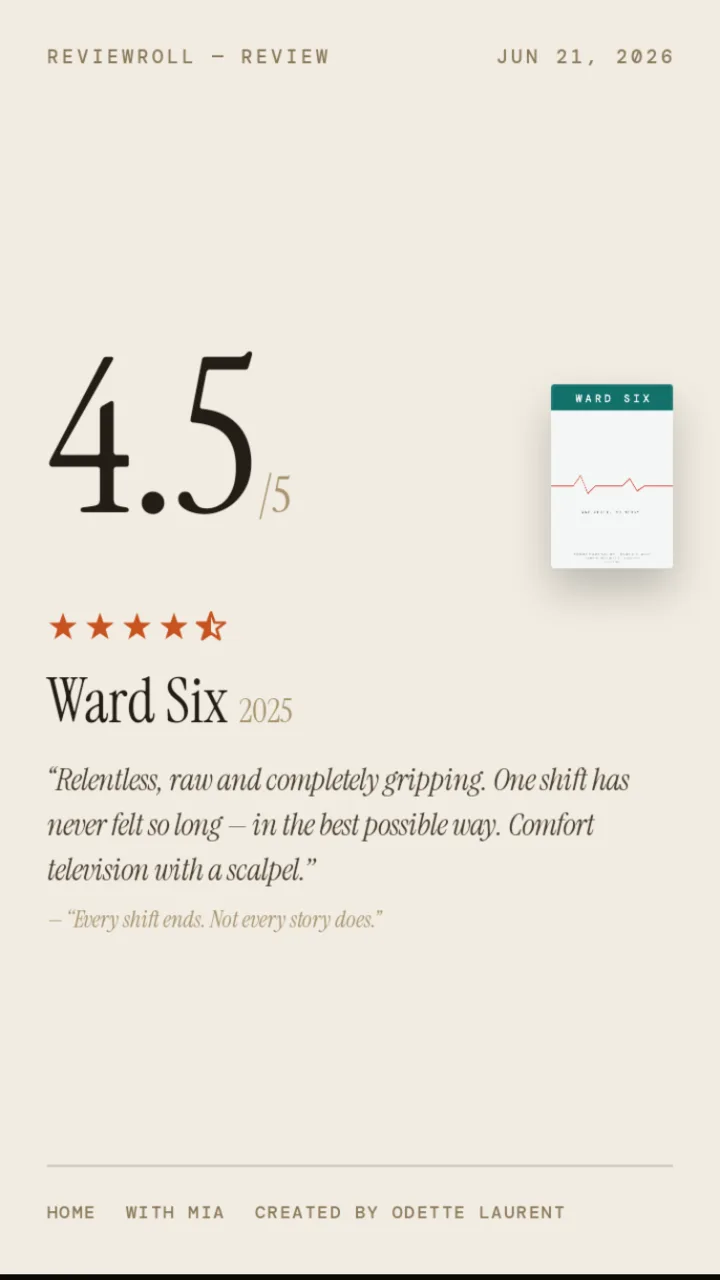
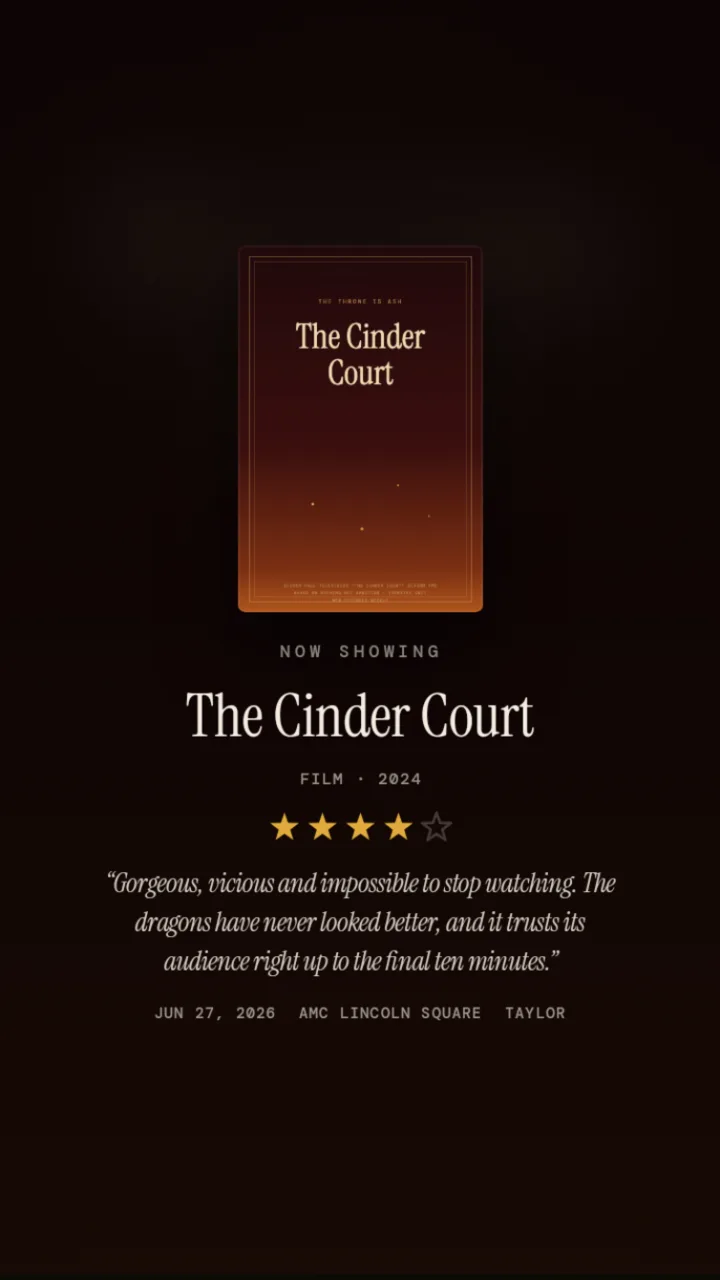
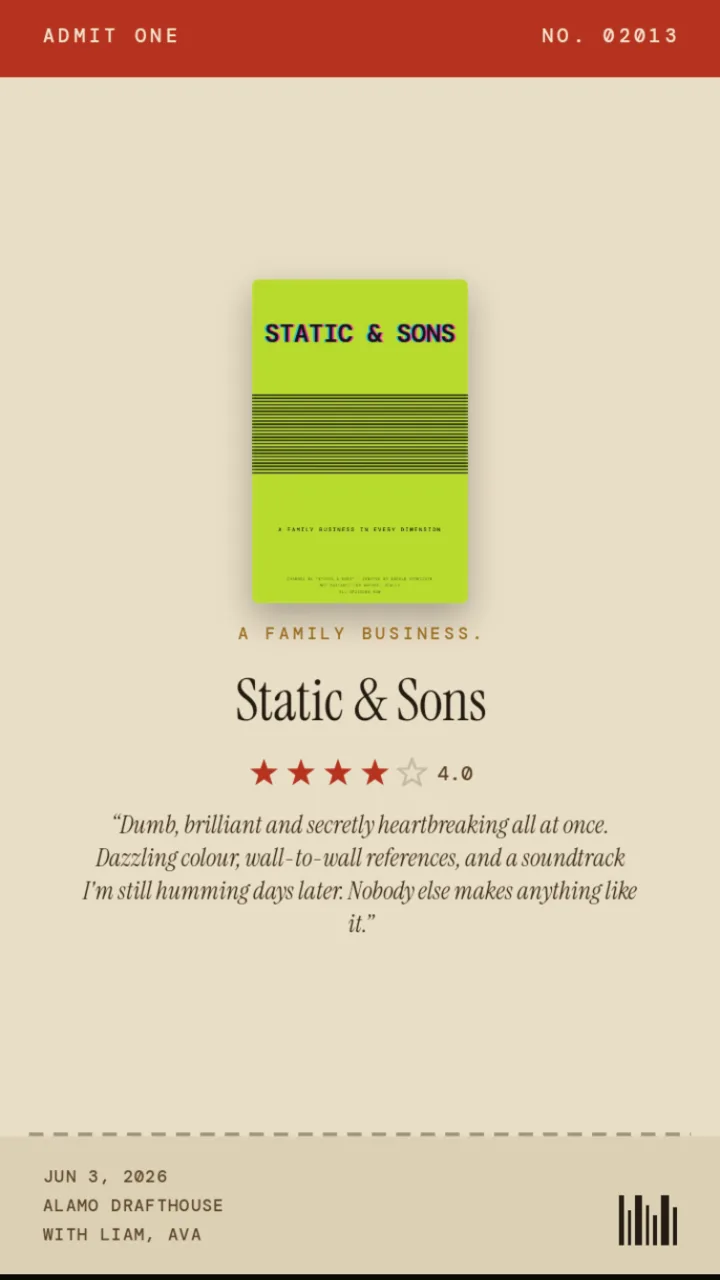
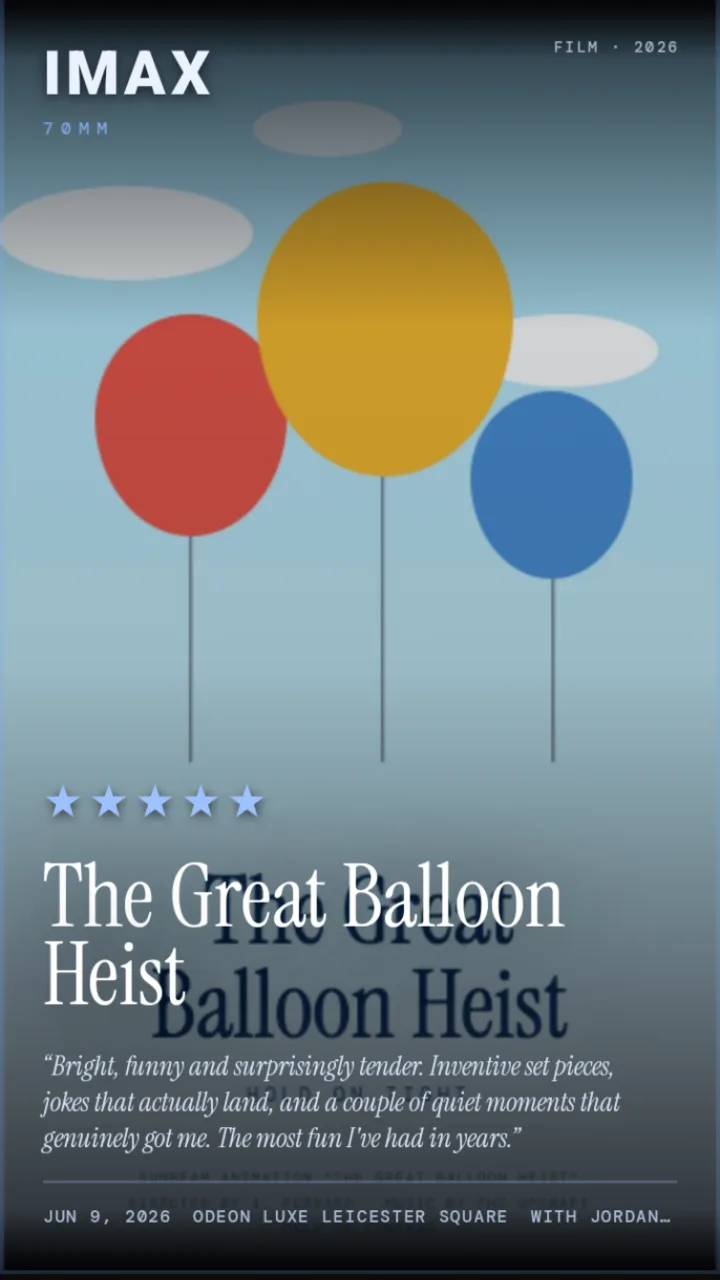
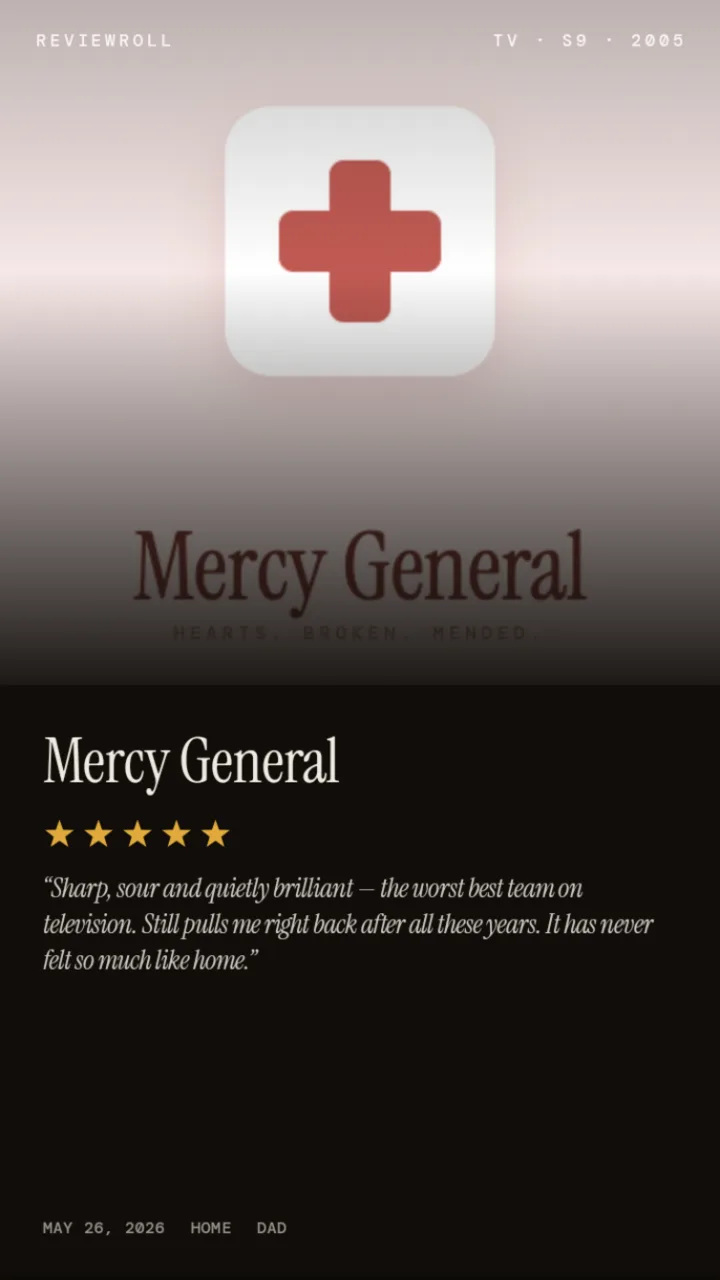
Cards made in ReviewRoll — every one starts as a rating and a few honest words.
What ReviewRoll does
ReviewRoll takes the review you'd normally type into a group chat and turns it into a designed, share-ready image. It works for both movies and TV series, so every take — a five-star favourite or a one-star miss — gets its own polished card.
- Search any film or TV show — powered by a complete movie & TV database.
- Rate with half-star precision — your verdict at a glance, from ★½ to ★★★★★.
- Write a short review — in your own words.
- Pick from 38 cinematic looks — marquee, ticket stub, polaroid, VHS, film noir, Critics vs Me and more, in story, square and landscape sizes.
- Remember the night — tag where you watched it, when, and who was there.
- Build a library you can actually find things in — search and filter every card by rating, cinema, or company; it syncs privately across iPhone and iPad.
- Share in seconds — post the card or save it to your Photos. At the end of the year, share your whole year in film as one card.
Every review gets its own look
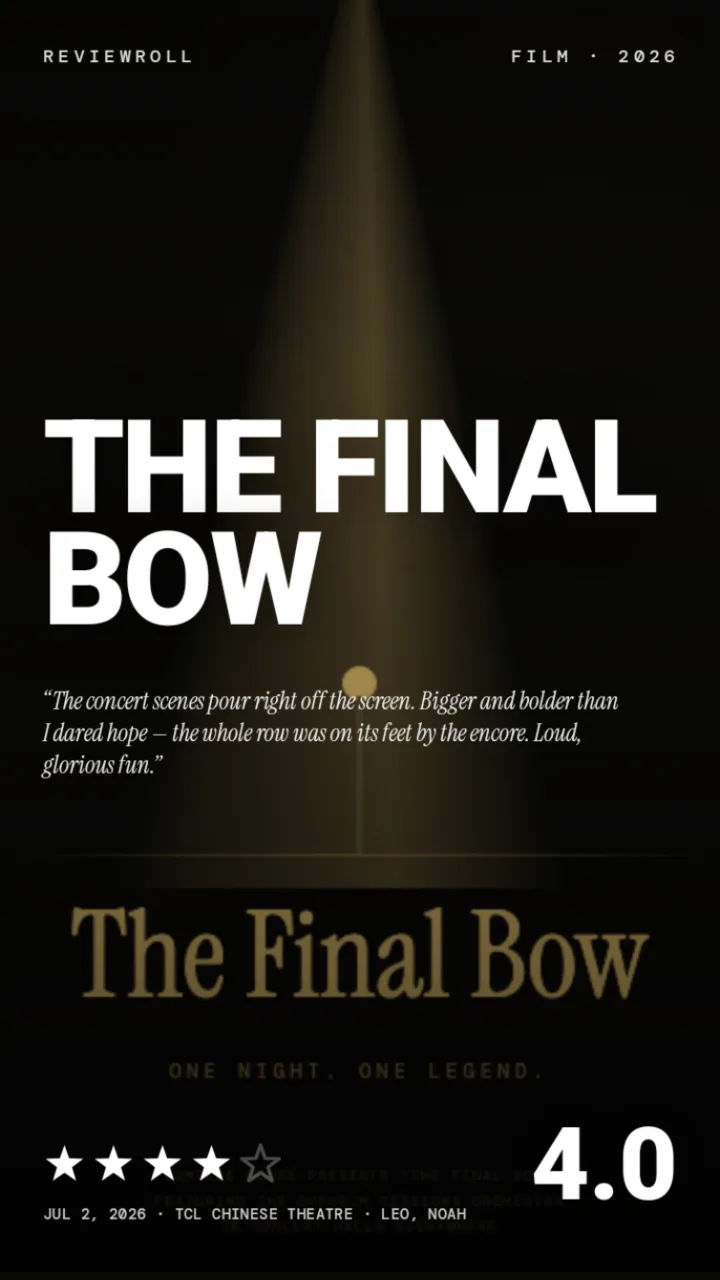
Thirty-eight designs, from a quiet minimalist card to a drive-in marquee — pick the one that fits the film and your verdict. A few of them, on cards made in the app:
How it works
Find the title
Search any movie or TV show.
Rate it
Tap one to five stars.
Add your review
A line or two of your honest take.
Design the card
Choose a look that fits the vibe.
Share it
Post to your socials or save the image.
Made for sharing
Every ReviewRoll card is a standard image sized to look great in stories and feeds — so your movie and TV takes are ready to post wherever your people are.
ReviewRoll on Android?
A native Android version is already in early testing — same cards, same looks, built for Android. Join the waitlist and you'll be among the first invited when testing opens up. (Anyone on any platform can already see the cards you share — they're standard images.)
Frequently asked questions
What is ReviewRoll?
ReviewRoll is a free iOS app that turns your movie and TV show reviews into beautiful, shareable image cards. You search a title, give it a 1–5 star rating, write a short review, and ReviewRoll renders it into a styled card you can post to social media.
Is ReviewRoll free?
Yes. ReviewRoll is free to download from the App Store.
What devices does ReviewRoll work on?
ReviewRoll is an iOS app for iPhone and iPad running iOS 18 or later. Your library syncs privately between your devices through iCloud — we never see your reviews.
Is ReviewRoll available on Android?
A native Android version is already in early testing. Join the waitlist and you'll be among the first invited. Anyone on any platform can already view the cards you share — they're standard images.
Does ReviewRoll work for TV shows as well as movies?
Yes. ReviewRoll works for both movies and TV series — rate and review either, and share a card for it.
Where can I share my review cards?
Anywhere. Your cards are standard images, so you can post them to Instagram Stories, X (Twitter), TikTok, or save them to your Photos.
How is ReviewRoll different from Letterboxd?
Letterboxd is a social diary for logging films. ReviewRoll focuses on creating one beautiful, shareable visual card of a single review — for movies and TV — designed to be posted to your stories and feeds.
Ready for your next film night?
Grab ReviewRoll free and turn tonight's watch into a card worth keeping.
Download on the App Store